Online Rent Payment You Both Can Trust
An online rent payment should be boring: the tenant can pay rent from a phone or computer, the money moves through a regulated payment processor, and the payment posts to the right unit with a receipt for both sides. The risk sits in everything else — cash with no paper trail, a personal check that bounces weeks later, peer-to-peer transfers no one can reverse. Equipped moves rent payments onto a secure, documented rail.
- Tenants pay rent by ACH bank transfer, debit card, or credit card
- Card and bank details handled by a PCI-compliant processor, never by you
- Instant confirmations, and rent payments recorded per tenant


How Secure Online Rent Payments Work
When a tenant pays rent online through Equipped, the payment information never passes through you. They submit bank account or card details on an encrypted form handled by the payment processor, which returns a token — a reference that authorizes future rent payments without exposing the account number.
The transaction then runs on established banking infrastructure. An ACH payment moves through the automated clearing house network behind direct deposit, typically settling in a few business days; debit and credit card payments clear faster and carry processing fees. Both are encrypted in transit, and both produce a timestamped payment confirmation.
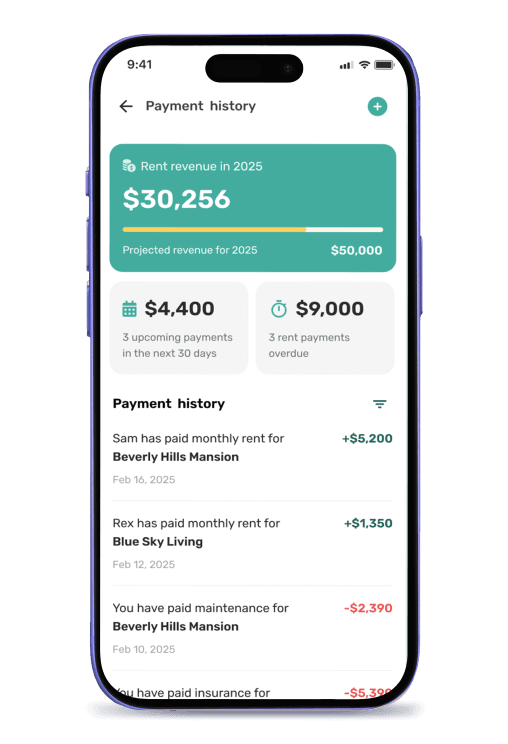
The record is what turns a secure payment into a documented tenancy: every online rent payment logs the amount, date, method, and unit — partial payments, security deposits, and move-in fees included — beside the lease agreement and the maintenance history.
ACH, Debit, or Credit: Choosing How Tenants Pay Rent Online
Each method for online payments trades cost against speed, and offering multiple payment methods helps residents pay rent on time — a resident forced into the wrong one will pay late.
How the main payment options compare when residents pay rent:
- ACH bank transfer — the lowest-cost option and the standard for recurring rent payments. An ACH payment pulls from the resident's bank account, settles in a few business days, and carries the smallest fee. Set your due date so the transfer lands in advance of your mortgage payment.
- Debit card — clears quickly and suits a resident who would rather pay from a card than link a bank account. Fees sit between ACH and credit card, and the money comes from their own balance.
- Credit card — the fastest and most expensive. It suits a resident covering a tight month, or one who chooses to pay rent by credit card to earn rewards. The networks charge a percentage of the payment — real money on a full month's rent.
- Cash payments, personal checks, and money orders — traditional payment options with no built-in record. A personal check exposes account information to everyone who handles it. A money order sent by mail to the address you give, or a cashier's check dropped at the management office in person, is a payment you log by hand. Money handed over without a signed receipt is one person's word against another's — and courts side with documentation.
Whichever payment options you accept, payment information stays with the processor, payment receipts issue automatically, and online payments post to the tenant record. Check current fees per method in the app before deciding what to pass through and what to absorb.
Benefits of Secure Rent Transactions
You Never Handle Payment Credentials
Bank account and card details go straight to a PCI-compliant payment processor, not to you, your email, or a note on your phone. That removes the largest liability a landlord takes on: holding payment information you cannot protect.
Both Sides Get the Same Receipt
Online payments produce a timestamped confirmation for the tenant and a matching entry in your record. The most common rent dispute — "I already paid that" — ends in seconds.
Deposits and Move-In Fees on the Same Rail
Deposits and move-in fees get collected informally more often than rent, then disputed years later. The same secure flow gives them a record from day one, and several states require a landlord to issue a receipt on request.
A Payment History That Holds Up
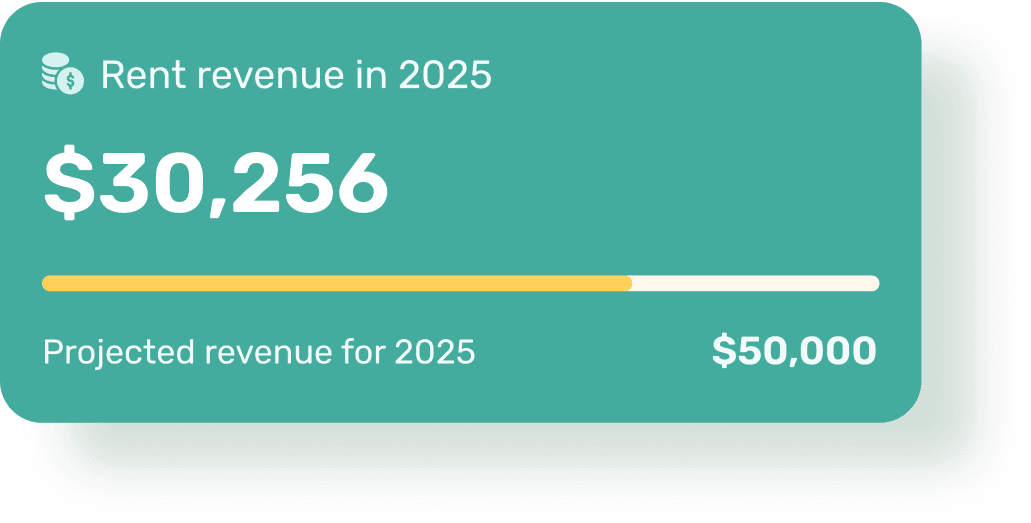
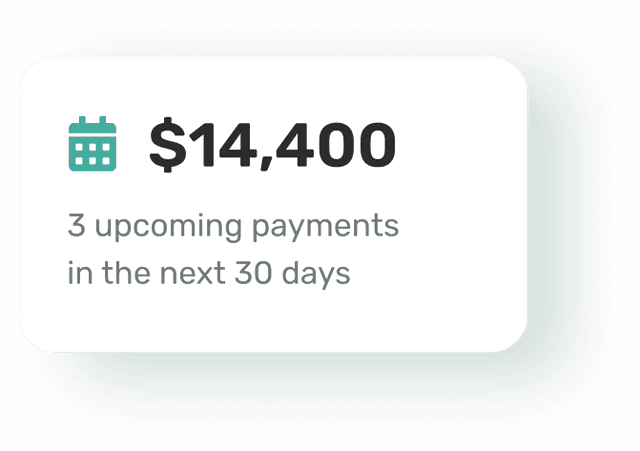
Full payments, partial payments, late payments, late fees, and deposits log per tenant and per unit, so the tenant record doubles as a monthly rent statement you can send on request.
Informal Rent Payments vs. Secure Rent Transactions
Cash, checks, and payment apps all move rent payments. None of them protect the transaction, confirm it, or create a record either side can rely on. Online payments do all three.
| Security question | Cash, checks, payment apps | Equipped |
|---|---|---|
| Who holds bank account or card details | You, informally | The payment processor |
| Encryption in transit | None for cash payments or checks | Standard on all rent payments |
| Payment confirmation | A screenshot, if any | Automatic receipt for both sides |
| Reversal or dispute path | Usually none once a transfer is complete | Handled by the processor |
| Bounced or failed payment | Discovered days later, in the mail | Flagged on the tenant record |
| Partial payments | Tracked in your head | Logged with a running balance |
| Proof of payment history | Bank exports and memory | Per-tenant, per-unit record |
| Deposits and move-in fees | Separate, undocumented | Same encrypted flow as rent |
Who Needs Secure Rent Transactions Most
Any landlord benefits from a documented rail for rent payments. In these situations the informal version is risky.
You Currently Collect Rent by Cash App or Zelle
It works until a transfer goes to the wrong handle or a personal account is flagged for business use. A payment rail built for rent removes both risks.
You Manage Property Remotely
A long-distance landlord cannot staff a management office or collect a check at the door. Tenants make payments from anywhere and the confirmations follow.
You Are Collecting a Security Deposit
Deposits are governed by stricter rules than rent, so a documented flow — amount, date, and method on record — protects you at move-out.
You Have Had a Payment Dispute Before
Once you have argued with a tenant about whether rent arrived, the value of a shared record is obvious: both sides open the same history and the argument ends.
A Note on Security Claims
Payment processing, settlement times, supported methods, and fees are set by the payment processor and can change. Confirm current details in the Equipped app before quoting them to a resident. Deposit-handling and payment-fee rules are state-specific — some states and cities limit whether you can require a single payment method, refuse to accept cash, or pass a card fee on, so check your local rules.
What To Expect: Collecting Rent Securely in Equipped
Set Up the Property and Rent Terms
Add each unit with its address, the rent amount, due date, grace period, and late fee rule from the lease, to create the terms every payment posts against.
Connect Your Payout Account
Link the bank account that receives rent. Payouts route through the payment processor, and your account information stays out of the tenant's hands.
The Tenant Adds a Payment Method
During onboarding tenants submit bank or card details through the processor's encrypted form, then choose to make payments one month at a time or set up recurring payments.
Rent Moves on a Secure Rail
Tenants pay rent by ACH, debit card, or credit card, encrypted in transit, with a timestamped confirmation for both sides.
Payments Post to the Right Property
Rent, partial payments, deposits, and move-in fees log automatically per tenant and per unit the moment they clear.
Pull the History Whenever It Is Needed
Payment records and financial reports export on demand for tax season, income verification, or a lender request.
Why Choose Equipped for Online Rent Payments
A consumer payment system secures the transfer and stops there: it does not know the lease, the due date, the late fee, or which unit the money belongs to, so the record-keeping falls back to you. Equipped treats rent payments as part of the tenancy — rent posts against the lease terms, the grace period and late fees apply from the same rule, and deposits stay separate from monthly rent.
For a landlord or property manager, that means one secure flow for every dollar you accept, from the first move-in fee to the last month's rent. Tenants pay rent online with a method they recognize and get a receipt every time; you get a record that does not depend on anyone's memory.
About Equipped
Secure online payments are the foundation of automated rent collection, and every transaction feeds your financial reports. Equipped is a rental property management software company headquartered in Alpharetta, Georgia. The Equipped app is a mobile rental property assistant for iOS and Android that centralizes tenant screening, onboarding, rent collection, maintenance, and property records in one place. Landlords across the United States use it to collect rent securely and keep every payment documented. Download the Equipped app to get started.
Frequently Asked Questions
Move rent onto a rail you can both trust
Download the Equipped app on the Apple App Store or Google Play.